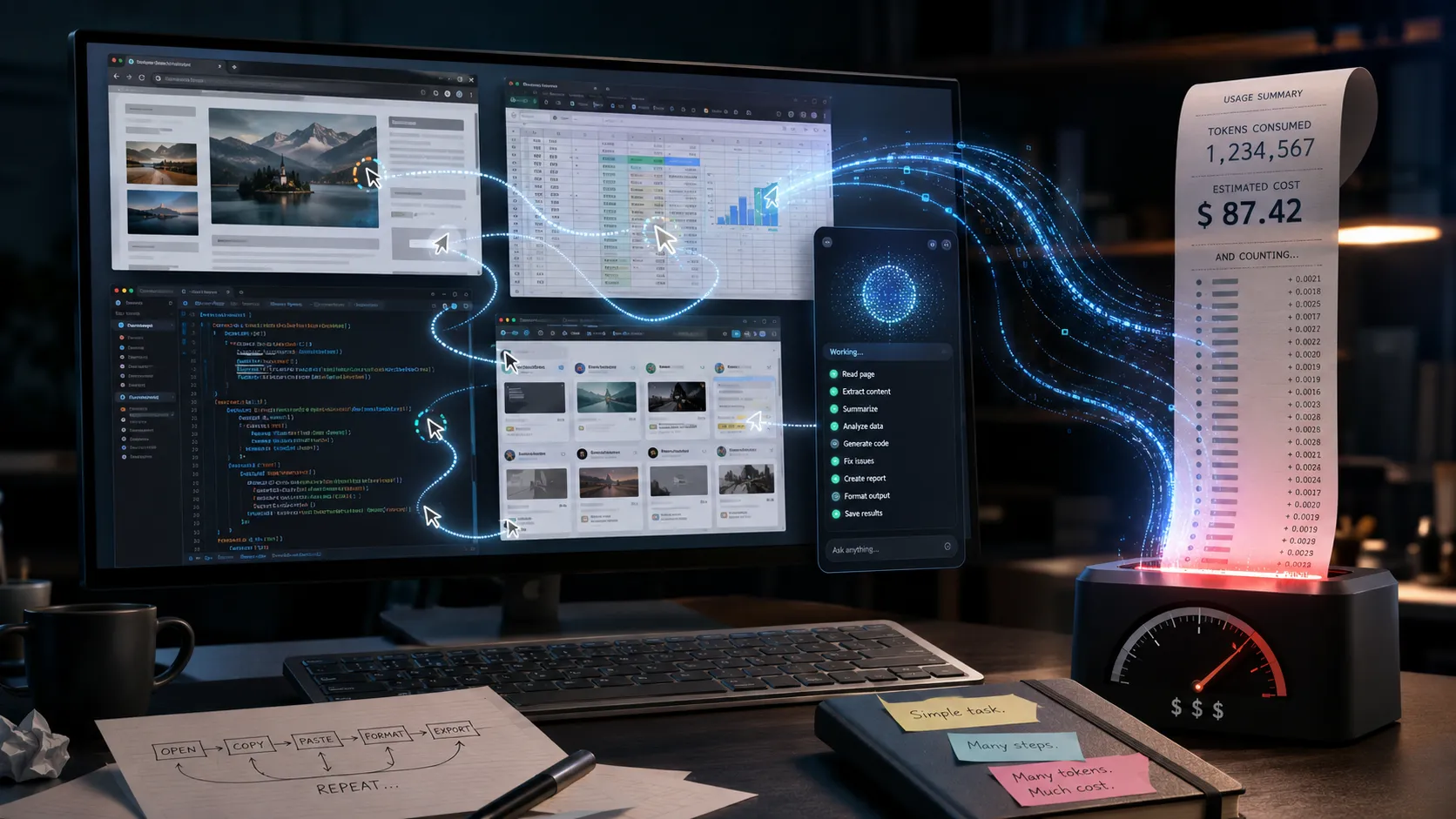
The new race among artificial intelligence companies is not only about creating smarter models. It is also about discovering new places where those models can consume tokens.
After chats, coding assistants, and content generators, it is now the turn of applications capable of controlling the computer. These are agents that can see the screen, move the mouse, click buttons, fill out forms, open files, and navigate different programs on the user’s behalf.
The demonstration is usually impressive. The agent receives a short command, opens the browser, searches for information, transfers data into a spreadsheet, and delivers the task apparently completed. It looks like the beginning of a new era of work.
In some cases, it really may be.
In many others, however, we are simply replacing a simple, cheap, and predictable automation with a long sequence of probabilistic decisions charged by usage. In desktop applications with artificial intelligence, the innovation may lie more in billing than in the agent.
The computer has become a machine for consuming APIs
In the traditional software model, a company paid a monthly license and used the tool. With the new agents, the bill can involve subscriptions, infrastructure, model usage, image processing, tool calls, searches, response generation, and new attempts whenever something goes wrong.
The agent not only needs to understand the task. It must observe the screen, interpret visual elements, decide where to click, wait for the system’s response, analyze the new screen, and repeat the process until it reaches the result.
Each step can generate more context, more tokens, and more processing.
What a direct integration would do in one API call may require dozens of visual interactions. Instead of requesting structured data from the system, the agent opens a page, looks for the correct field, scrolls, clicks, copies, switches windows, and pastes elsewhere.
It is a sophisticated way of mimicking human behavior, but it is not always the smartest way to carry out a digital task.
The perfect example is clipping
Imagine a public relations agency using a desktop agent to look for news about its clients.
The robot opens the browser, accesses a search engine, types the company name, analyzes the results, opens an article, waits for ads and page elements to load, looks for the date, identifies the outlet, copies the address, returns to the clipping system, and fills in the fields.
Then it repeats everything for the next article.
If it encounters a banner, a cookie window, a captcha, a slow page, or a different layout, it will need to interpret the problem and try another path. Throughout the process, it keeps sending images, receiving instructions, and consuming model resources.
It is like using a humanoid robot to press the button for an elevator.
A rational architecture would do almost everything without artificial intelligence. It would use APIs, RSS feeds, search engines, structured scraping, and deterministic rules to collect the title, address, outlet, date, and content. Then it would remove duplicates by URL, hash, or text similarity.
Artificial intelligence would come in only where there is a real need for interpretation: identifying whether the article is relevant to the client, classifying the topic, assessing the prominence of the source, producing a summary, and pointing out possible risks or opportunities.
In this model, traditional software does the predictable manual work and the language model performs the cognitive part. Costs go down, speed goes up, and the process becomes easier to audit.
With an agent controlling the browser, everything becomes reasoning. Even opening a tab becomes a billable decision.
In software development, the spectacle is expensive too
The same distortion appears when the desktop agent is used to make small code adjustments.
Development environments already have global search, direct access to files, a terminal, version control, error analysis, automated tests, and tools capable of editing code precisely. An assistant integrated into the editor can locate a function, propose a change, show the diff, and run tests without needing to simulate a person moving the mouse.
Putting a desktop agent in charge of opening the IDE, visually searching for a file, navigating menus, and typing the change may work. But it adds an unnecessary layer of slowness and uncertainty.
The agent inside the IDE knows the project structure. The desktop agent knows the pixels on the screen.
To make a small change, the second option often uses more steps, more context, and more opportunities for error. The experience feels more autonomous because the user watches the cursor move, but visual autonomy is not the same as technical efficiency.
It is the difference between integrating with the system and staging a play about how a person would use the system.
The agent also charges for wrong attempts
Language models do not execute tasks with mathematical certainty of success. Even the most advanced systems can still misread a screen, click the wrong element, lose context, repeat an action, or need to redo part of the process.
This creates a curious business characteristic: the vendor can bill not only for the completed work, but also for the failed attempts.
In traditional software, an error is a problem the developer needs to fix. In API model usage, an error can also mean more tokens, more calls, and more processing.
The agent does not need to be much better. Commercially, it just needs to keep working longer.
It is like hiring a professional who charges for thinking, including the wrong thoughts.
This does not mean that every agent-based product is being dishonest. Developing systems capable of operating different interfaces is a real technical challenge. The problem arises when an impressive capability is automatically treated as the best solution for any process.
Not everything that can be operated by an agent should be operated by an agent.
When a desktop agent really makes sense
There are situations in which this kind of technology is valuable. Legacy systems without an API, closed portals, proprietary programs, sporadic tasks that cross several applications, and processes that do not justify a conventional integration may benefit from visual agents.
There may also be an advantage when the task has high financial value, happens only a few times, and would be too expensive to automate otherwise. In that case, paying a few dollars per execution may be irrelevant compared with the result generated.
The mistake is turning this exception into the standard architecture.
Before putting an agent in control of the computer, the company should answer less cinematic questions: how many times will the task be executed, what is the cost per execution, how many steps depend on interpretation, what is the acceptable error rate, and how much does human supervision cost.
It is also necessary to compare the agent with less flashy alternatives: direct integration, script, conventional automation, browser extension, native system feature, or simply a language model inside the right tool.
The question should not be “can the agent do this?” It should be “is this the most economical and reliable way to do this?”
The best artificial intelligence is the one that shows up the least
In a well-built automation, the user does not need to watch a cursor wandering across the screen to believe that intelligence is at work.
Collection happens through code. The data arrives structured. Rules handle the predictable. The model is called only to resolve ambiguities, interpret context, or produce something that truly depends on language and reasoning.
The less the model needs to pretend it is a person using a computer, the more opportunities there are to build a fast, cheap, and reliable process.
The future of agents will probably matter. They will be useful precisely in the spaces where traditional integrations do not reach and where human interpretation is still needed. But this does not eliminate an old rule of technology: the most modern solution is not necessarily the best architecture.
The real advance is not making artificial intelligence click everything. It is knowing when it should not click.
Until that difference is clear, we will see many desktop applications sold as a technological revolution, even though their main discovery is something else: turning every user movement into a new billing opportunity.